


Ryu
-
Posts
1,414 -
Joined
-
Last visited
-
Days Won
84
Posts posted by Ryu
-
-
one thread is always good enough for same question.
-
 3
3
-
-
-
change to a different and better server

-
you can program buzz remote to your tv and can turn off with it. did you check manual?
-
sounds good.
-
1
-
-
1 hour ago, stdly said:
Thanks for the reply's much appreciated.
I have the BT-100 from my XR4500 that pairs and seems to works this box It is a nicer remote to use.
I also have a ARQ100-Remote can this be used with IR on this box?
you have it why not try it and let us know how was the experience.
-
1
-
-
5 hours ago, Screwdriver said:
Thanks. I was tempted to buy one, but HLG/HDR 10 was the one feature that I did want. The others are nice-to-haves rather than must-haves.
Would anyone be able to post a picture of the display settings/options for the L1 please?
Thanks
-
4
-
-
my dad is using bt200 with X5 and works fine.
-
2
-
-
Per AI "Server data can be updated using a variety of methods, including file uploads, content management systems, and version control systems".
-
43 minutes ago, whacked said:
been experiencing this for sometime. It started on the P6 box a few months ago, back in October, channels would work and then they wouldn't
I would get that Channel Stream error message on many channels, even if I landed on a working channel and then changed the channel and the went back to that working channel it sometimes would no longer work and show that error message. Then the X5 SS box did the same thing and this L1 does it a few times as well.
I thought it to be server error, but when I connected another device (like the T1 dreamlnk) and with the same server credentials, all channels work with no exception. Changed back to the SS device and the error message came back on many channels.
I am still not convinced this is not a server issue with channels. I use a admin access and I thought maybe that is making the difference as the admin access allows me to use any available server portal, but I don't know , it's confusing especially when I connect the T1 and get no channel errors. I did send aab a video showing the Channel error messages on the P6 and then connected the T1 and no errors. But ironically that was around the same time my service had major issues which lasted a few days, so I didn't press the issue too much. Till I see this post from Emporium.
I have also had reports from a few other people in private messages with same issues at times.
Some days there are no errors, and some days there are and it's same with all the 3 buzz devices I currently testing.
The L1 is showing channel error message today again on many channels, not just specific categories but across the entire channel line-up.
* not the same server as Emporium
The server operates effectively on all my Buzz5 devices; however, the BuzzTV6 application connects successfully on the first attempt, and the initial channel plays without issue. If I change categories or quickly scroll through channels, I encounter a stream error, resulting in no channels functioning. Upon attempting to reconnect to the server, it indicates that it cannot be found. Consequently, I am unable to establish a connection. Nevertheless, I have tested multiple servers using the BuzzTV6 application and have not identified any issues. Therefore, it can be concluded that this particular server experiences compatibility problems with the BuzzTV6 application while performing optimally on Buzz5 devices.
-
1
-
-
6 minutes ago, razor07 said:
Multi view, how’s that.
this feature was never released and you stated above not working

-
2
-
-
-
reboot and still no update and everything seems to be fine here. heres below current info.
New Update Buzz 6 App V1.0.105
Firmware Version: 20250205173046I would say reboot or try to reseat hdmi cable from both ends and see if that helps.
-
1
-
-
no update here. let me reboot and report back.
-
try to clear cache and try again and see if it helps.
-
also, try two things. first go to wifi settings and toggle hotspot on then off and see if that helps connect wifi. if not then try to turn off bluetooth and wifi then only turn on wifi on and see if that helps.
-
1
-
-
I was just going to post but you beat me lol
-
2
-
-
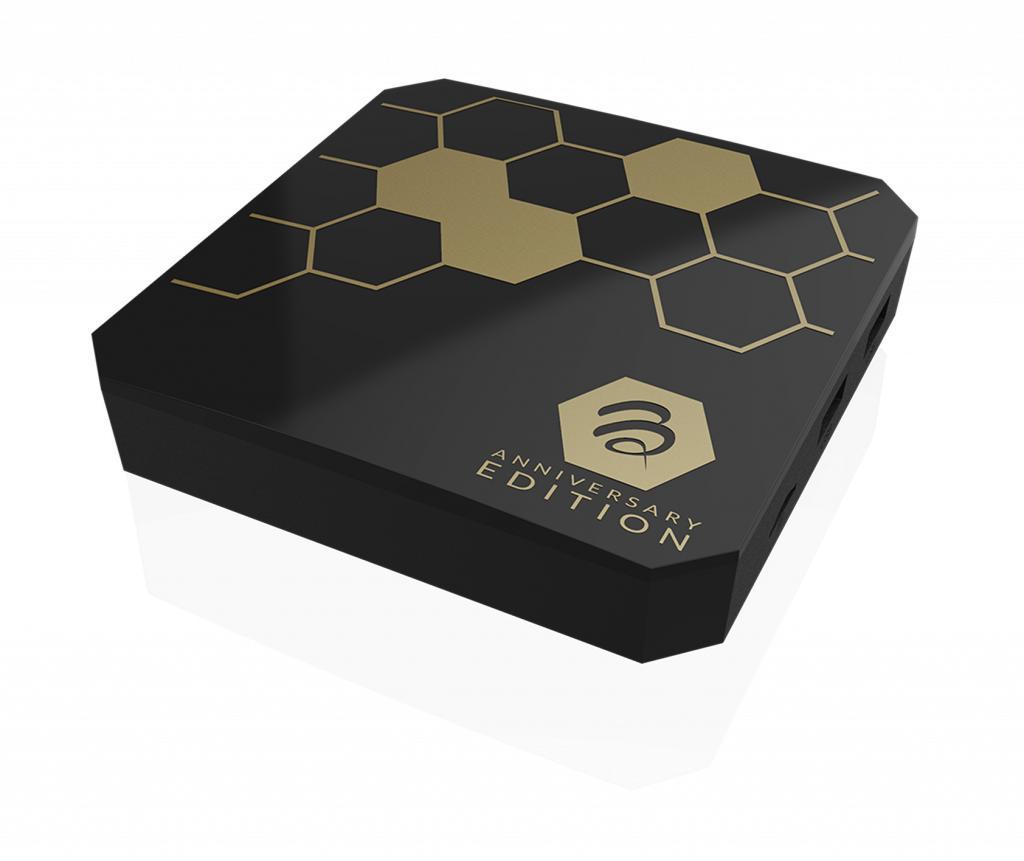
'Celebrating 10 years of BuzzTV and 5 years of our 4500 Model'

-
3
-
-
not sure if I understood correctly you saying app installer not responding? try to disable app installer then re-enable and see if that helps.
-
should have posted in B5 area. anyhow, using Mac, XC api, or m3u option? make sure all info entered is correct.
-
are you kidding me lol
-
update service or software? need to contact the person you bought the subscription from.
-
1
-
-
also, validate sound settings on SS and post your sound settings info please.
-
1
-
-
did you format on pc first?

**NEW** L1 Firmware + Buzz 6 App Update V1.0.119 - Feb 27th, 2025
in Linux Player
Posted
also reseat HDMI cable if have not done.