


Ryu
-
Posts
1,414 -
Joined
-
Last visited
-
Days Won
84
Posts posted by Ryu
-
-
-
no shutdown yet
-
 1
1
-
-
13 minutes ago, SC INK said:
Is there a download link?
do you have E5?
-
1
-
-
usb stick, flash drive, or external drive.
-
1
-
 1
1
-
-
-
are you using hdmi came with the box? have you tried your device on different tv?
-
check to make sure there's no typo error in username/password.
also try url with /c or without /c
-
using Mac or xc api?
-
try to post in the section for your model
-
if it still under warranty then contact support.
-
ok cool.

-
-
any external storage device connected? try to factory reset and see if that helps.
-
How to Re-Pair the ARQ-200 Series dongle:
i. Press and hold OK + TV Power buttons for 4 seconds
ii. Let go of both buttons & a red light will be blinking at the top of the remote
iii. Hookup the USB dongle to your BuzzTV Device.
iv. You should be paired after this
General steps for color button programming:
There are 4-colour buttons which can be programmed to control shortcuts within the BuzzTV Device
i. Find and open the settings from the Home screen
ii. Next click BuzzTV Utilities
iii. Then Choose Remote control
iv. You will be able to set your colour button shortcuts from this menu
-
1
-
-
-
-
-
4 minutes ago, Nahannz said:
Successfully factory reset and rebooted. Where do I find server information for buzztv to gain back access to live TV and VOD?
when it comes back to Home Screen then you will go to server settings to enter your provider info.
-
different model but same procedure
-
5 minutes ago, Nahannz said:
Yes, I tried another outlet and had the same result.
if you have performed recovery and no help then I would say order power supply.
-
1 minute ago, Nahannz said:
Did a new power supply work? I am experiencing the same issue with my U5 now. It loads the buzztv logo and gets stuck there. After several minutes it goes black. The hard reset has not been loading the restore menu.
have you tried a different outlet just incase?
-
works for me too
-
can not load portal does not mean its no longer useable. did you contact your service provider?
-
1
-
-
4 minutes ago, vlad-jr said:
That's good to know you still get updates, but somehow I can't get a manual update. I also have an e2 SE that works ok, I hope I won't have any future problem with it.
these boxes work great but to get really good experience you need to have quality server. try good quality server and trust me you will see how much you gonna love your E2. I would still buy me E2 if I find good price which I did
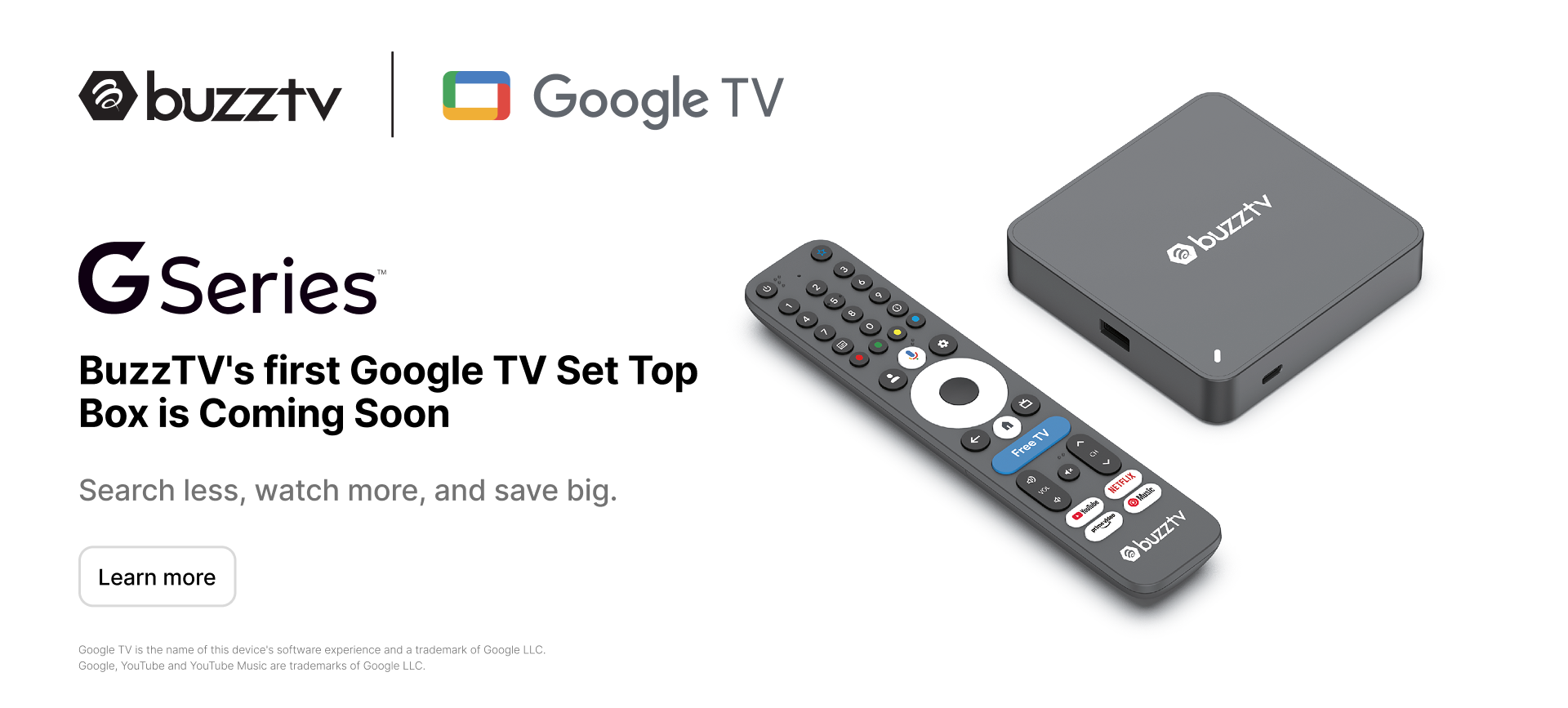

Buzztv X5 ia128
in BuzzTV 5
Posted · Edited by Ryu
have you tried wipe cache partition first before factory reset?