nbs.
-
Posts
3,535 -
Joined
-
Last visited
-
Days Won
481
Everything posted by nbs.
-
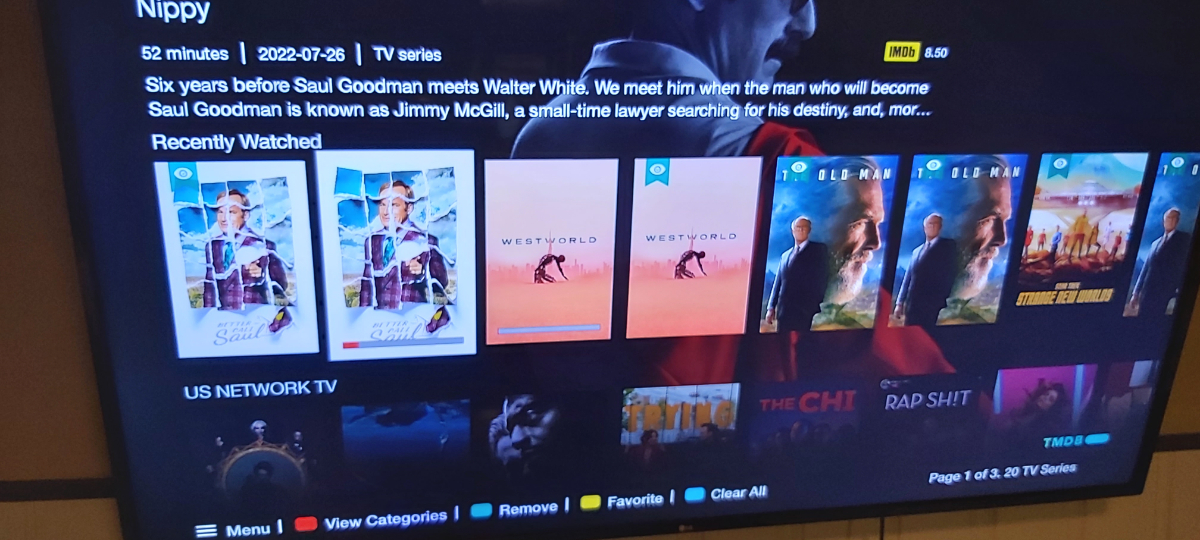
Last watched Episode on Top of list or on Landing Page of Favorite Show list.
nbs. replied to G2P's topic in XR4000 / XRS4000
Recently watched on mine shows individual episodes
-
Last watched Episode on Top of list or on Landing Page of Favorite Show list.
nbs. replied to G2P's topic in XR4000 / XRS4000
I've been trying to get it to the top but having an issue with the move feature Get there by view categories, organize categories,move I could get it to the top if I hid tv series and favorites but I'm sure you would want those Maybe someone can help with the move function -
Last watched Episode on Top of list or on Landing Page of Favorite Show list.
nbs. replied to G2P's topic in XR4000 / XRS4000
Are you on buzz 5? -
Last watched Episode on Top of list or on Landing Page of Favorite Show list.
nbs. replied to G2P's topic in XR4000 / XRS4000
You can move a category to top of list if you want -
So you push the wrong button on remote and iptv kicks in and that's an issue?...lol Backup/restore is being worked on Pm allaboutbuzz with your mac addy and you will stop getting beta updates
-
None of the above He is here...lol
-
Pm allaboutbuzz with your mac addy
-
no its not possible
-
You'll have to wait for the dev to discuss audio passthrough
-
No it's not Also stbemu is not a server, it's an app
-
this might help for users running buzz 5 and android 9 https://www.mediafire.com/file/epmf5i0suejl6rj/com_buzz.services.pvr_33_5056428e-2cad-4bbe-9a31-4e13bdb55857.apk/file
-
Don't know what you mean by a clean install but it is an update Yes to all the other questions A small percentage of users have issues and need to reset it to fix it but not many
-
Vidstick Max picture/audio freezing
nbs. replied to Flyinghigh's topic in VidStick / VidStick + / VidStick MAX
Did you try default to see of sync issue goes away? -
Vidstick Max picture/audio freezing
nbs. replied to Flyinghigh's topic in VidStick / VidStick + / VidStick MAX
There are two internal players You can pm allaboutbuzz with your version number and mac addy and add him to update your stick -
Vidstick Max picture/audio freezing
nbs. replied to Flyinghigh's topic in VidStick / VidStick + / VidStick MAX
Hit the menu button Buzz version is at bottom -
Vidstick Max picture/audio freezing
nbs. replied to Flyinghigh's topic in VidStick / VidStick + / VidStick MAX
Buzz version? -
Vidstick Max picture/audio freezing
nbs. replied to Flyinghigh's topic in VidStick / VidStick + / VidStick MAX
What version is the vidstick on? Are you using same video player? -
In this case you will need to do a hard reset
-
How were you able to get into menu if the logo is flashing on and off?
-
Hit menu and post info from. bottom of pop up screen if you can
-
Weather settings working fine now
-
I guess most people are lucky because you are the first to report this
-
rebooting with remote should not change anything reset with emote will
-
It didn't go well today