nbs.
-
Posts
3,542 -
Joined
-
Last visited
-
Days Won
484
Everything posted by nbs.
-
Hit the menu button account info and it will tell you how many streams you are allowed Not all xc servers allow multiple streams unless you pay more
-
Glad you shared your knowledge...lol "On the other hand, what is the Buzz app for? That's just another app and I don't think it has much to do with firmware. "
-
On top of dishusers post no one ever said the buzz app had anything to do with firmware
-
Radio? Firmware updates are sent ota and you can check from home page Buzz software is done from the menu button
-
Firmware is done by Google Buzz does the buzz6 app that will be on the Google playstore The manufacturer has nothing to dowith firmware
-
Intermittent issue - Classic does not play video after power on
nbs. replied to JC1's topic in Classic / Classic Anniversary
Having it boot up every day is the best imo. -
Did you try 0000?
-
Can you post a pic of your screen?
-
Email buzz with all your info so they can look into it
-
Have you tried a different hdmi?
-
**NEW** P6 Buzz 6 App Update V1.0.281 - March 10th,2026**
nbs. replied to allaboutbuzz's topic in PowerStation
No issues here -
Reset your buzz
-
Did you remove the drive?
-
Post your firmware and software versions
-
There are infinity apps in aptoid market.Not sure its the one you want
-
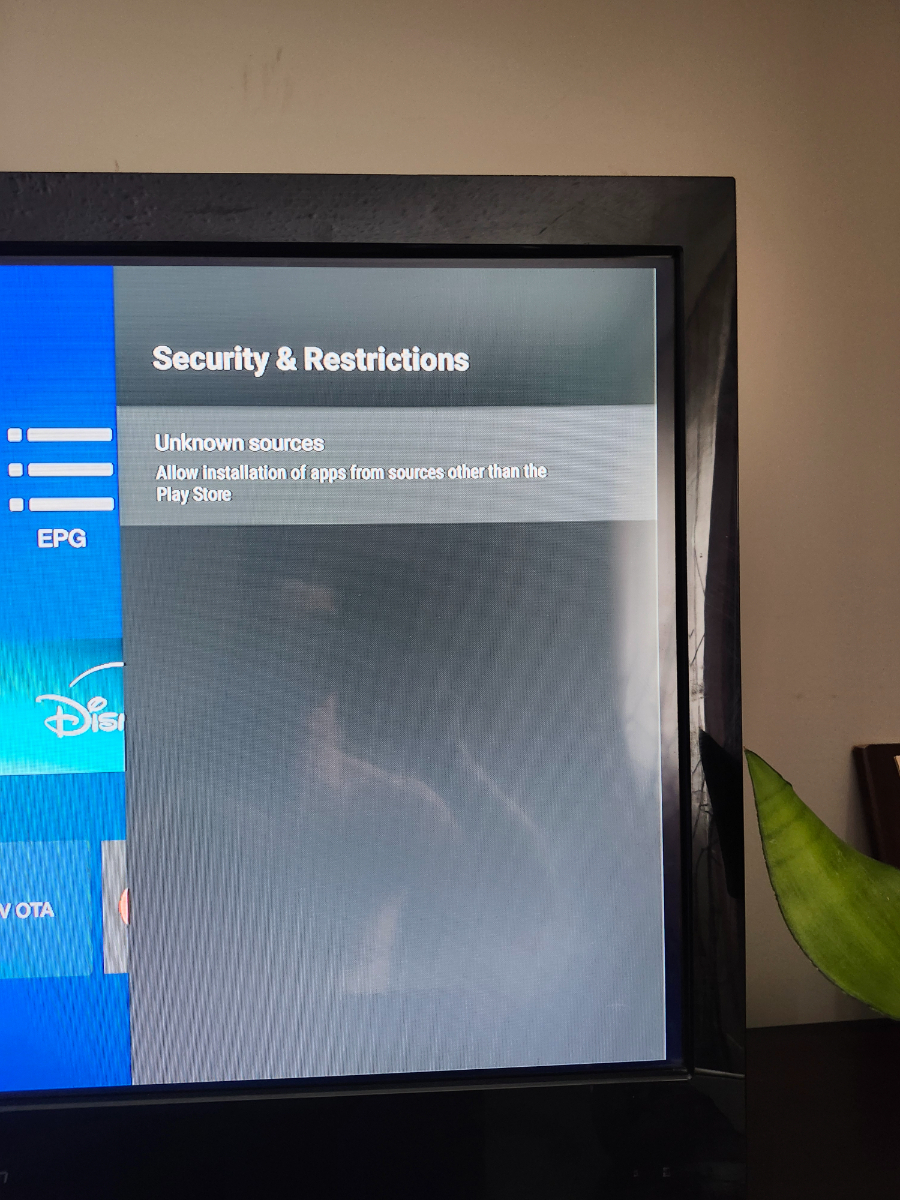
Have you allowed installation of apps from unknown sources

-
**NEW** P6 Buzz 6 App Update V1.0.270 - Feb 24th, 2026 **
nbs. replied to allaboutbuzz's topic in PowerStation
Should be posted here -
Not Able to Connect to Playstore
nbs. replied to Shari Schwarzenbart's topic in Classic / Classic Anniversary
Same procedure as this one -
**NEW** P6 Buzz 6 App Update V1.0.270 - Feb 24th, 2026 **
nbs. replied to allaboutbuzz's topic in PowerStation
He is right about the info On all other models it shows info from any show you select -
**NEW** P6 Buzz 6 App Update V1.0.270 - Feb 24th, 2026 **
nbs. replied to allaboutbuzz's topic in PowerStation
I have no issues either on 3 services -
Have you done a pin reset?
-
**NEW** P6 Buzz 6 App Update V1.0.270 - Feb 24th, 2026 **
nbs. replied to allaboutbuzz's topic in PowerStation
I would wait for the fix Should be soon -
Then you should start your own thread and if you already have one going stick to it
-
**NEW** P6 Buzz 6 App Update V1.0.270 - Feb 24th, 2026 **
nbs. replied to allaboutbuzz's topic in PowerStation
Thanks Buzz are aware of the bug Just hit the buzz logo on remote for now