dishuser
-
Posts
4,469 -
Joined
-
Last visited
-
Days Won
372
Everything posted by dishuser
-
**NEW** Official P6 Firmware + Buzz 6 App Update - May 21st, 2025
dishuser replied to allaboutbuzz's topic in PowerStation
you still haven't answered about timeshift repeating the same answer over and over is useless if you expect help -
load server info using phone or pc
-
**NEW** Official P6 Firmware + Buzz 6 App Update - May 21st, 2025
dishuser replied to allaboutbuzz's topic in PowerStation
how long are you waiting before pressing ok button? -
**NEW** Official P6 Firmware + Buzz 6 App Update - May 21st, 2025
dishuser replied to allaboutbuzz's topic in PowerStation
have you rebooted? -
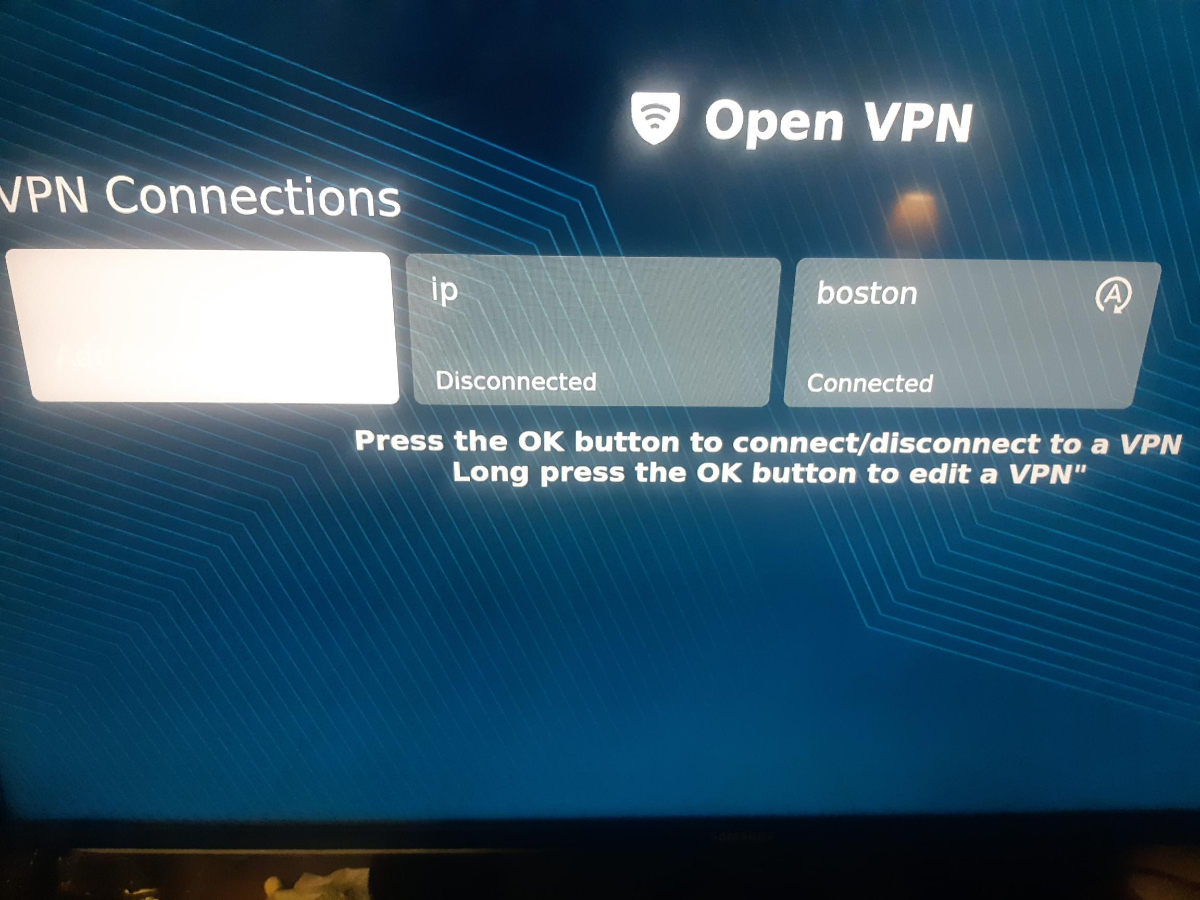
are you selecting add vpn and the selecting file? then picking a server location and naming it and save?
-
so you can see what I'm saying

-
you don't load the whole config at once you load a server location one at a time I spent more time editing config than loading it
-
I used the IR sensor for my vidstick
-
and how's that working out for you?
-
B5 or L1 are great for iptv
-
why are you asking in this section? post in your model's section
- 1 reply
-
- 1
-

-
Does The Powerstation 6 Unlimited Have A PCIE 5 Slot
dishuser replied to Baubas's topic in PowerStation
https://buzztvglobal.com/en-ca/collections/buzztv-boxes/products/buzztv-powerstation-6-unlimited -
Does The Powerstation 6 Unlimited Have A PCIE 5 Slot
dishuser replied to Baubas's topic in PowerStation
nope -
**NEW** L1 Buzz 6 App Update V1.0.167 - May 9th, 2025
dishuser replied to allaboutbuzz's topic in Linux Player
since the beginning mine has loaded in under a minute -
**NEW** L1 Buzz 6 App Update V1.0.167 - May 9th, 2025
dishuser replied to allaboutbuzz's topic in Linux Player
I used my backup from a different model -
**NEW** L1 Buzz 6 App Update V1.0.167 - May 9th, 2025
dishuser replied to allaboutbuzz's topic in Linux Player
I did that a couple of updates ago takes minutes to reload backup and vpn -
**NEW** L1 Buzz 6 App Update V1.0.167 - May 9th, 2025
dishuser replied to allaboutbuzz's topic in Linux Player
I left mine plugged in with hdmi unplugged when I went to bed last night -
how close are you to the box? are you clicking on the mac
-
**NEW** L1 Buzz 6 App Update V1.0.167 - May 9th, 2025
dishuser replied to allaboutbuzz's topic in Linux Player
it finally updated having themes is a nice touch -
Loading content from streaming channels on Home Screen P6
dishuser replied to Bryan Potter's topic in XRS4900
you're in the wrong section and you can't -
**NEW** L1 Buzz 6 App Update V1.0.167 - May 9th, 2025
dishuser replied to allaboutbuzz's topic in Linux Player
was update put on hold? it shows the update and I press confirm it shows to reboot and no update -
if you notice any more glitches report them only way to know if something needs to be fixed
-
you shouldn't post outside live links you use app installer to load it then you'll find it in apps you cannot load an app into the server setup
-
BuzzTV XR 4000 Set Top Box BuzzTV XRS 4000 Set Top Box BuzzTV XR 4500 Set Top Box BuzzTV XRS 4500 Set Top Box BuzzTV XRS 4900 Set Top Box BuzzTV Essential E1 Set Top Box BuzzTV Essential E2 Set Top Box BuzzTV Essential E2 SE Set Top Box I don't see the classic listed for that model
-
try it on another iptv app to rule out the issue is on server side