Macman_ca
-
Posts
35 -
Joined
-
Last visited
Macman_ca's Achievements






-
Has anyone put thermal paste on their nvme in their power stations? An enclosure I bought for another nvme came with a strip and said to be it on nvme. Since the power station is similar in the sense that no air can really get to it. Just curious thoughts if it would help or not!?
-
Tv guide info not loading - regardless of server?
Macman_ca replied to Macman_ca's topic in PowerStation
Still having issues with guides. Both types have issues. some channel info, other none. So you can't select a show time slot only go up and down in the channels. -
Tv guide info not loading - regardless of server?
Macman_ca replied to Macman_ca's topic in PowerStation
I managed to get one of my servers to load. The XC server shows the proper guide. But the MAC server nope. Go figure. -
Tv guide info not loading - regardless of server?
Macman_ca replied to Macman_ca's topic in PowerStation
I had the same issue with both servers. One is Mac and one is XC. I tried your suggestions no luck. That one app with one server I can see the guide. So it seems to be in buzz tv part. Both servers have the same issue. I go to guide, no information. It kicks me to the server connect info box and both are showing. Connected. Viscious loop. -
Tv guide info not loading - regardless of server?
Macman_ca replied to Macman_ca's topic in PowerStation
I had the same issue with both servers. One is Mac and one is XC. I will try the setting suggestion and see. Thank you! -
Last couple of nights I haven't been able to see the TV guide. When I hit guide on the buzz remote it kicks me to my server settings. I select the server and it shows it refreshing etc then goes to the guide, but no info. can't see any shows ahead or behind? Doesnt matter which server I use. same issue. I use the 3 line button on the remote to refresh and nothing changes. Goes back to single channel. Thoughts?
-
I'm on a Mac, lol. can't do firmware update unfortunately. I would hope it is current since they just sent it to me from the States. lol.
-
So Western Digital replaced the NVME under warranty! Yeah! Do you recommend formatting it on my computer first or put it in the power station and format it that way?
-
no It was WD NVME... I'll try the reader and see if I can reformat it. thank you!
-
So I managed to do the factory reset and recording works to the internal storage. But it does look like my name is fried!!! Firmare : P6L 256 V20250815 1.0.281
-
when I go into device preferences, it shows internal storage of 242GB. if I go to updates, the whole screen blacks out and goes back to the home screen. when I put in the NVME it doesnt see it under device prefs. Did the box fry the NVME? since the box is acting weird?? how do I reset the box?
-
yes, I have taken it out and rebooted it. Nothing different with it in or out.
-
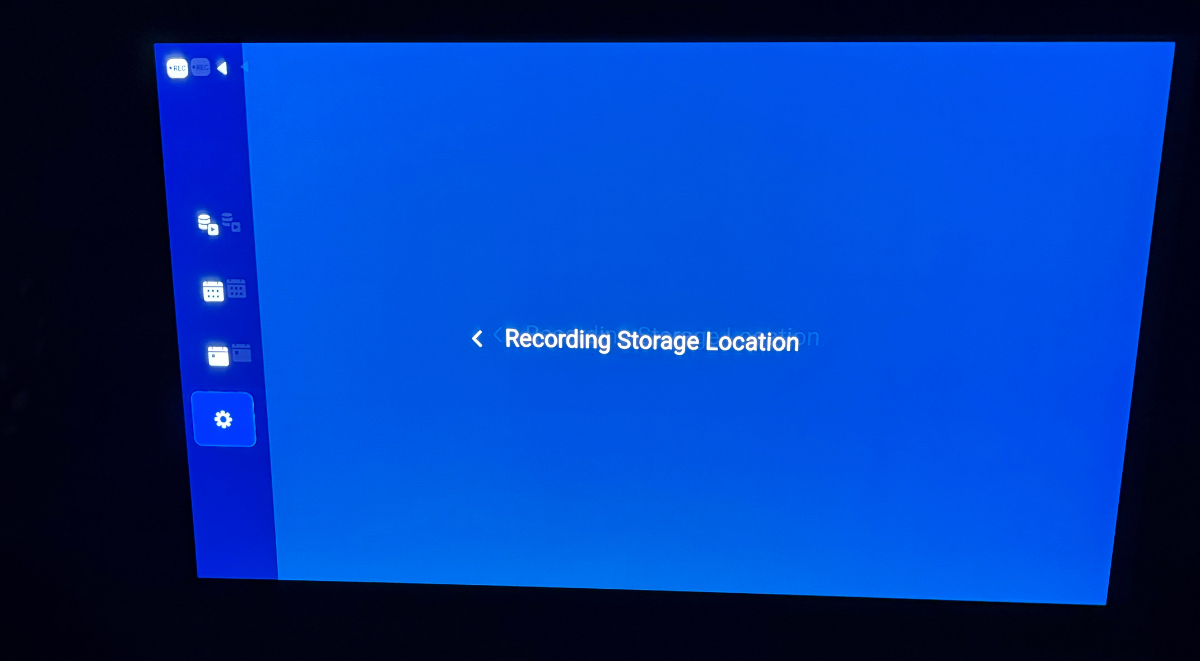
it won't let me change where to record to. it freezes when I go to select storage. It isnt seeing the internal storage. I have to go back to main menu/guide. It is locking up for any recordings. Seems to be the box??

-
Everytime I try to go onto settings/updates etc. the whole screen goes blue and kicks out to the default Home Screen. Can't tell. I do recall doing an update in the last week or so.
-
I tried to do a recording last night on BuzzTv Powerstation 6 Unlimited and it kept failing. It couldn't see the internal storage or my WD NVME 2TB. I tried rebooting, I tried unseating the NVME no luck. The TV menu was also acting slow to go sideways. Any thoughts?